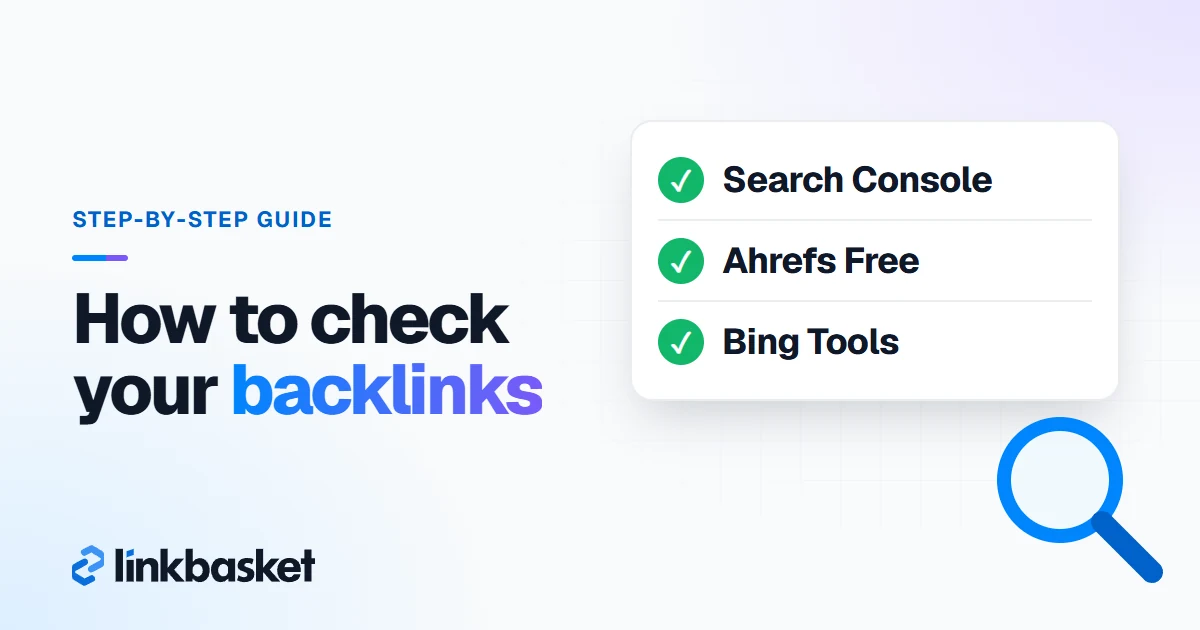
To find backlinks to your website for free, open Google Search Console, click Links, and read the Top linking sites table. A backlink is a link on another site that points to yours, and Search Console lists the ones Google has found. For a second view, Ahrefs Free and Bing Webmaster Tools are also free for sites you own. To check a competitor's backlinks, you need a third-party index such as Ahrefs, Semrush or Bing's own backlink report.
Last updated: November 9, 2026
We checked each tool's limits on its own help or pricing page on November 9, 2026, and we say so where a vendor wouldn't let us check.
Which way to check backlinks fits you?
Three questions pick the method: whose site it is, what you can spend, and how many links you expect.
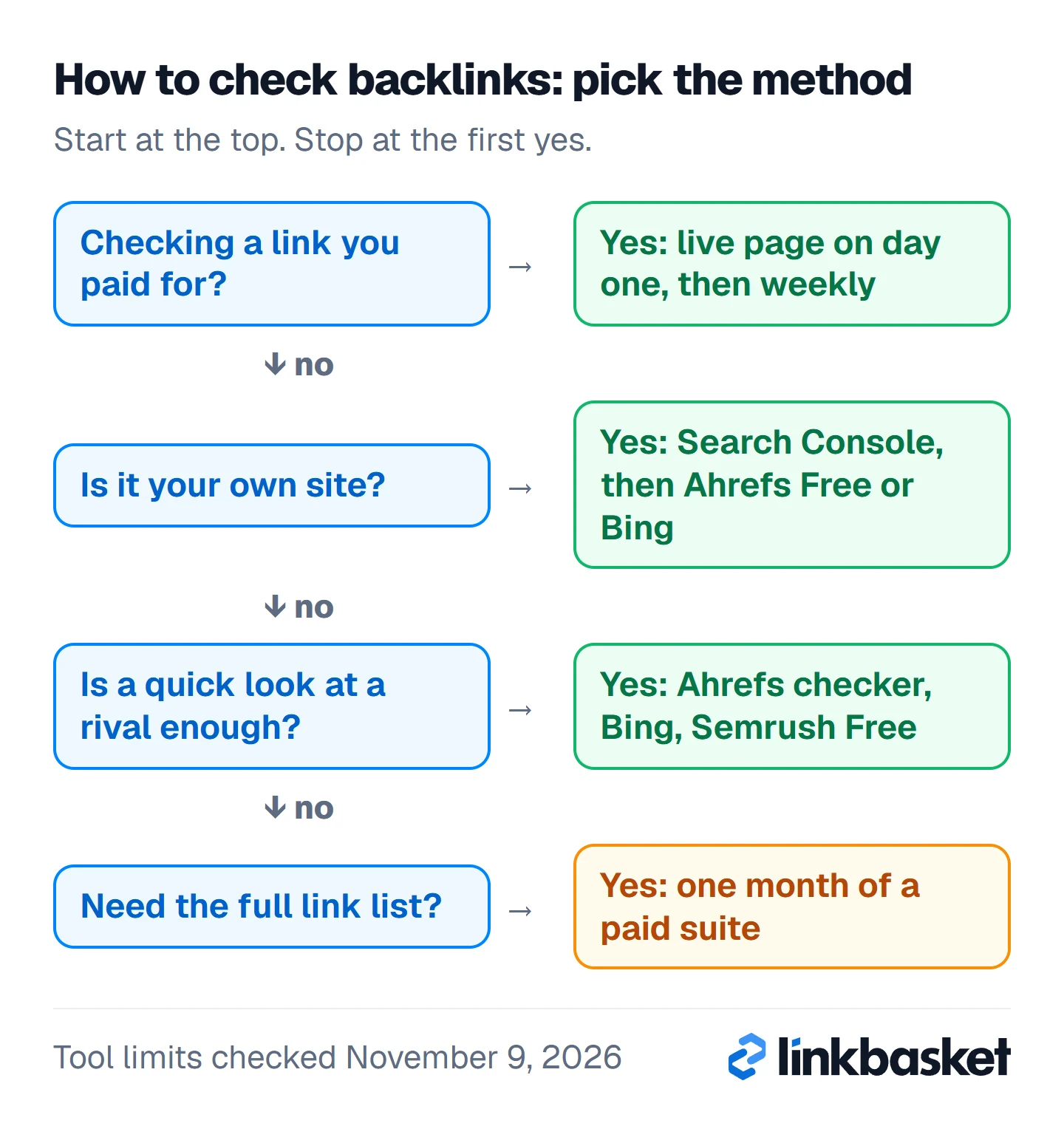
When you use the tree, start at the top and stop at the first yes.
Owner tools such as Search Console need you to verify the site. That limits them to domains you control. For a competitor, you need a tool that crawls the web and keeps its own link index, which is why the free options there are capped and the full data costs money. Free tools cover your own domain well, while paid ones add full competitor lists, history and alerts. Size matters too. Under 1,000 linking sites, on-screen tables do the job. Above that? Exports, or a paid plan.
- Your site, $0: Search Console first, then Ahrefs Free or Bing Webmaster Tools.
- A competitor, $0: Ahrefs' free backlink checker, Bing's backlink report or Semrush Free, each with limits.
- A competitor, in depth: a paid suite such as Ahrefs or Semrush.
- Links you paid for: inspect the live page yourself, then keep checking on a schedule.
Method 1: How do I find my backlinks in Search Console?
Open the Links report in Search Console. It's free. It's also the only backlink report built on Google's own crawl, so in practice it's where you start every time.
- Pick your property. Sign in and choose it. A Domain property covers every subdomain plus http and https, so it catches the most links.
- Open Links. Click Links in the left menu.
- Read the External links tables. There are three: Top linked pages, Top linking sites and Top linking text.
- Click More. It sits under each table and opens the full list.
- Export the data. Click Export external links at the top right. Pick Latest links for recent finds, or More sample links for a wider sample.
Don't trust the numbers until you know three limits. On-screen tables stop at 1,000 rows, while each export goes up to 100,000. Sites are grouped by root domain, so m.example.com shows as example.com, and the report holds links Google found over time, which means some of the pages in it may have dropped your link months ago. Treat it as history. Not a live census. Google explains each table on its Links report help page.
If you only need a rough list of who links to you, stop here. If you want quality scores or a second crawler's view, add Method 2 or 3.
Method 2: How do you check backlinks with Ahrefs Free?
Verify your site in Ahrefs Free, then open the Backlinks report in Site Explorer. Ahrefs Free is the new name for Ahrefs Webmaster Tools, and it shows each linking site's Domain Rating (DR), which Search Console never does.
- Create a free account at Ahrefs Free.
- Add your site and verify ownership. Ahrefs accepts a Search Console connection, a DNS record, an HTML file or an HTML tag. If you've already verified the site in Search Console, that route is quickest, as long as the property matches the project exactly (www or non-www).
- Open Site Explorer for your domain, then the Backlinks report.
- Sort by DR or by first-seen date. Filter out nofollow when you only care about followed links.
It shows up to 1,000 backlinks at a time. Plenty, for most small sites.
Method 3: How do I check backlinks in Bing Webmaster Tools?
Add your site to Bing Webmaster Tools, then open the Backlinks report. Bing runs its own crawler. Sometimes it spots links Google's report misses, and when you already have Search Console set up, adding Bing takes a few minutes.
- Sign in to Bing Webmaster Tools and add your site. When you import it from Search Console, the ownership you've already verified carries over.
- Open the Backlinks report.
- Switch between its views. Bing's help pages describe three: Domains, Anchor texts and Pages.
- Don't forget Download all on the Pages view if you want the list in a spreadsheet.
Bing calls its data a representative sample, not a full backlink profile. It won't match Google. Each engine reports only what its own bot crawled.
Here are the three free owner tools side by side:
Google Search Console
- Data from Google's own crawl
- Top linking sites, pages and anchor text
- 1,000 rows on screen, exports up to 100,000
- Grouped by root domain
Ahrefs Free
- Verified sites only
- Shows DR for each link
- 1,000 backlinks visible at once
- Verify via Search Console, DNS or HTML
Bing Webmaster Tools
- Bing's own crawler
- Domains, anchor texts and pages views
- Also covers other sites
- A representative sample
How do I check a competitor's backlinks?
Use a tool with its own link index, since you can't verify a domain you don't own. The three owner reports above won't help here, except Bing, which also covers other sites.
Method 4: How does Ahrefs' free backlink checker work?
Type any domain into Ahrefs' free backlink checker. You get referring domains, total backlinks, DR and Ahrefs Rank. Ahrefs itself calls it a "glimpse" of its paid tool, so treat it as a quick read, not a full list.
Method 5: Which other free tools show rival backlinks?
Bing, Semrush Free and Moz Link Explorer. In September 2023, Bing said its backlink report shows inbound links "not only for your site, but also for any website" (Bing Webmaster Blog), and its help page lets you compare your profile with up to two other sites. Semrush Free gives 1 demo project and 10 reports a day, enough for a quick look at two or three rivals. Moz Link Explorer shows Domain Authority with a free Moz account; Moz's site blocked our check of its current query cap, so confirm the limit on moz.com.
Here's a competitor check that leaves you with something to act on:
- List three competitors that outrank you for your main keyword.
- Run each one through the same tool, so the figures compare fairly.
- Note referring domains (unique sites), not raw backlink totals.
- Find sites that link to two or more rivals but not to you. Those are your warmest prospects.
- Visit each one. Skip the sites with no real readers before you write a single pitch, because a link from a site nobody reads does little for you and may hurt more than it helps if the site exists only to sell links.
Free limits usually bite at step 4. When you hit that wall, pay for one month rather than spreading the job over a week of daily caps.
When should you pay for a backlink checker?
Pay when a free limit blocks the job. Not before. That's Method 6: a paid suite.
Common triggers are needing a rival's full link list rather than a sample, managing several sites or clients, or wanting alerts for new and lost links instead of exporting CSVs by hand. As of November 2026, Ahrefs Lite cost $129/mo, the Semrush SEO plan $139/mo billed monthly, and Majestic Lite $49.99/mo. Skip the annual plan until you know you'll use it. Here's a cheap trick. Buy one month, export everything, cancel. Our guide to the best link building tools compares the suites job by job.
Free backlink checkers compared
Here are the free ways to check backlinks side by side.
| Tool | Whose site | What you see | Limit |
|---|---|---|---|
| Google Search Console | Yours (verified) | Linking sites, linked pages, anchor text | 1,000 rows on screen; 100,000 per export |
| Ahrefs Free | Yours (verified) | Backlinks with DR | 1,000 backlinks visible at once |
| Bing Webmaster Tools | Yours, plus other sites | Domains, anchor texts, pages | A representative sample |
| Ahrefs free backlink checker | Any domain | Referring domains, backlinks, DR | A "glimpse" only |
| Semrush Free | Any domain | Backlink reports | 10 reports a day |
Why do tools disagree on how many backlinks a site has?
No tool gives the full count. Google doesn't publish its link graph, and each third-party crawler reports only what it found and kept.
Two terms matter. Backlinks count every linking page, so one sitewide footer link can add thousands. Referring domains count unique linking sites, which tells you far more.
Imagine a small site, and this is a made-up example, where Search Console lists 120 linking sites, Ahrefs Free shows 95 referring domains and Bing shows 80. None of them is wrong. Google draws on its own crawl, Ahrefs keeps its own index and Bing reports a sample, so the gap between 120 and 80 says more about the crawlers than about the site itself. If the site gains 10 new referring domains next month, all three numbers should rise, even though they'll never match.
So when you check how many backlinks a website has, pick one tool and track referring domains in it month to month. Don't trust a straight comparison between two tools' totals. Different crawlers, different counts.
What should you do after you find your backlinks?
A list changes nothing on its own. Work through it in this order.
- Spot your best links. Sort by DR and traffic. Thank those sites, and pitch them again later.
- Rescue links to dead pages. If a linked URL now returns a 404, redirect it to the closest live page so the link counts again. Most people miss this one.
- Review the anchor text. A natural profile leans on brand names and bare URLs. Piles of exact-match keyword anchors look manipulative.
- Flag the odd ones. Unrelated foreign-language pages and obvious link farms deserve a closer look, but don't disavow on a tool's "toxic" score alone.
- Note the gaps. Compare against your competitor list, then plan new links. Our guide on how to build backlinks covers the methods.
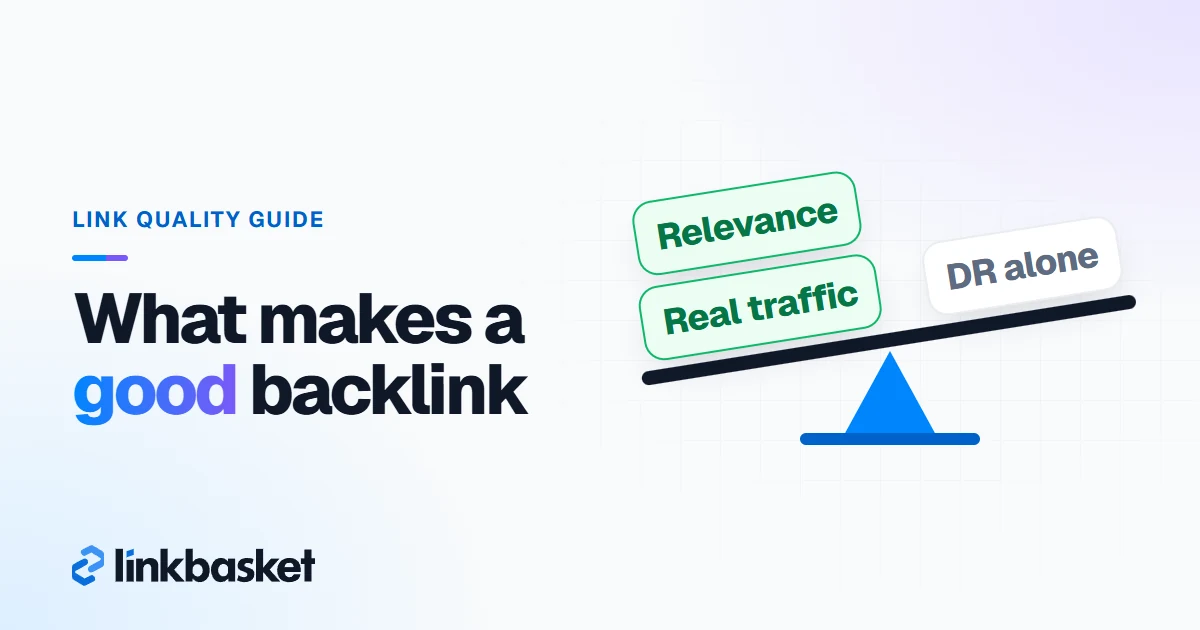
Not sure whether one particular link helps? Our checklist on what makes a good backlink walks through it.
How do you check backlinks you paid for?
Check them twice: once on the day they go live, then on a regular schedule.
On publish day, open the live article and confirm four things:
- The link points to your exact target URL.
- The anchor text matches your brief.
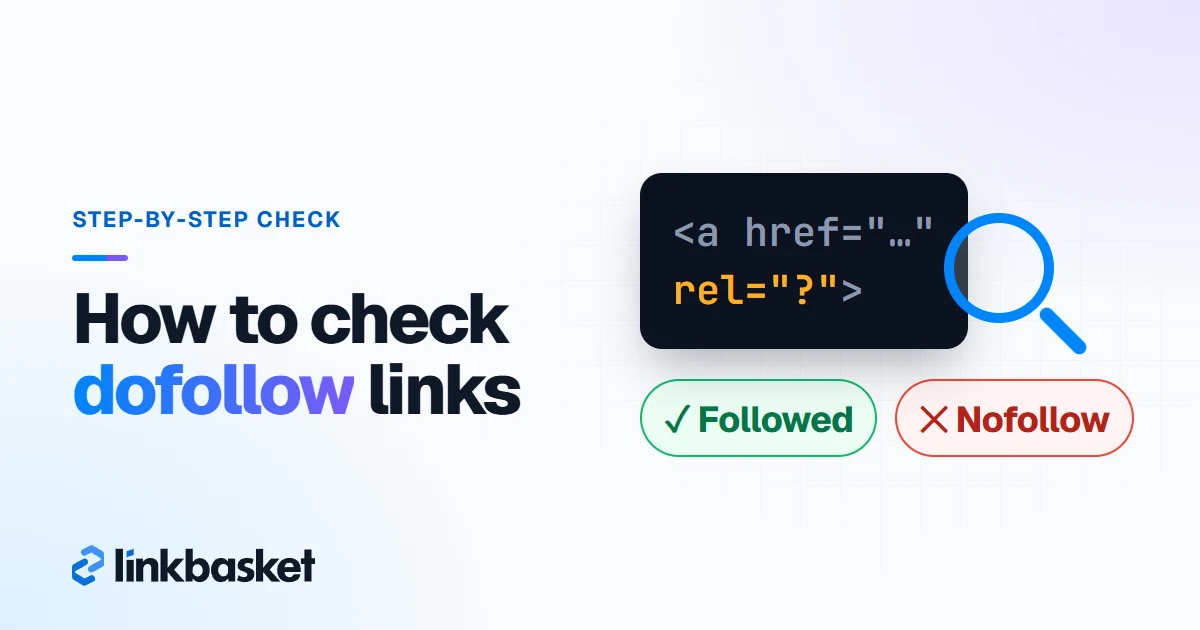
- If you've bought a dofollow link, the tag has no nofollow or sponsored value. Right-click the link and choose Inspect to see the code.
- Google can index the page. A few days later, search site: plus the article URL to confirm.
After that, links change quietly, and when you stop looking, you stop knowing. An owner removes one during a redesign, switches it to nofollow after an SEO audit, or deletes the whole post when the site changes hands.
Our help centre walks through the full order flow, and the guest post marketplaces comparison shows how other sellers handle live-link checks.
One honest caveat before you order anything.
What lowers the risk is choosing relevant sites with real traffic and editorial standards, accepting a sponsored tag where the publisher adds one, and avoiding link farms.
Which edge cases change how you check backlinks?
Four situations change it.
- Brand-new site. Search Console may show nothing for weeks, because Google has to crawl the linking pages first. Don't bother refreshing it daily; use the Ahrefs free checker meanwhile.
- A link you know exists is missing. Google may not have crawled or indexed that page yet, so confirm the linking page is indexed before you worry.
- You moved to https or changed domain. Use a Domain property, so old and new versions share one report.
- Thousands of links from one site. That's usually a footer or blogroll link. Count it as one referring domain when you judge your profile.
Decision matrix: which backlink check should you use?
Match your situation to a row.
| If the site is | And your budget is | And you need | Then use |
|---|---|---|---|
| Yours | $0 | A list of who links to you | Google Search Console Links report |
| Yours | $0 | Quality scores (DR) | Ahrefs Free |
| Yours | $0 | A second crawler's view | Bing Webmaster Tools |
| A competitor's | $0 | A quick count | Ahrefs free backlink checker |
| A competitor's | $0 | A comparison with your site | Bing backlink report (up to 2 other sites) |
| A competitor's | $0 | A few deeper reports | Semrush Free (10 reports a day) |
| A competitor's | $49.99 to $139/mo | Full link lists and history | Majestic, Ahrefs Lite or Semrush |
| A link you bought | Included in the order | Proof it stays live | Seller monitoring plus your own spot checks |
When should you get expert help with backlinks?
Get help when Search Console shows a manual action for unnatural links, because no checker will fix that. Hire an SEO consultant who specialises in link audits and reconsideration requests. Software can't.
The same goes for a sudden traffic drop after a site migration. Don't touch any links yet. Call a technical SEO specialist first.
FAQ
How do I check how many backlinks my website has?
In Search Console, open Links and click More under "Top linking sites". Each row is one domain Google has found linking to you, so the row count is your number. Ahrefs Free gives a second figure from its own crawler. Expect the two to differ.
Why don't my backlinks show up in Search Console?
Usually Google hasn't crawled or indexed the linking page yet. New links can take weeks. On big sites, the 1,000-row table cap can also hide them. If an important link still hasn't shown after a month, run a site: search on the linking page.
Can I check a competitor's backlinks for free?
Yes, within limits. Ahrefs' free checker shows any domain's referring domains, backlink count and DR, Bing's report covers other sites, and Semrush Free allows 10 reports a day. A full list needs a paid plan, though one month is usually enough for a one-off audit.
How often should I check my backlinks?
Monthly suits most sites. When you're running an active campaign, or after you've paid for placements, go weekly instead. Links bought through the LinkBasket inventory get that weekly check from us for 12 months after each one goes live.