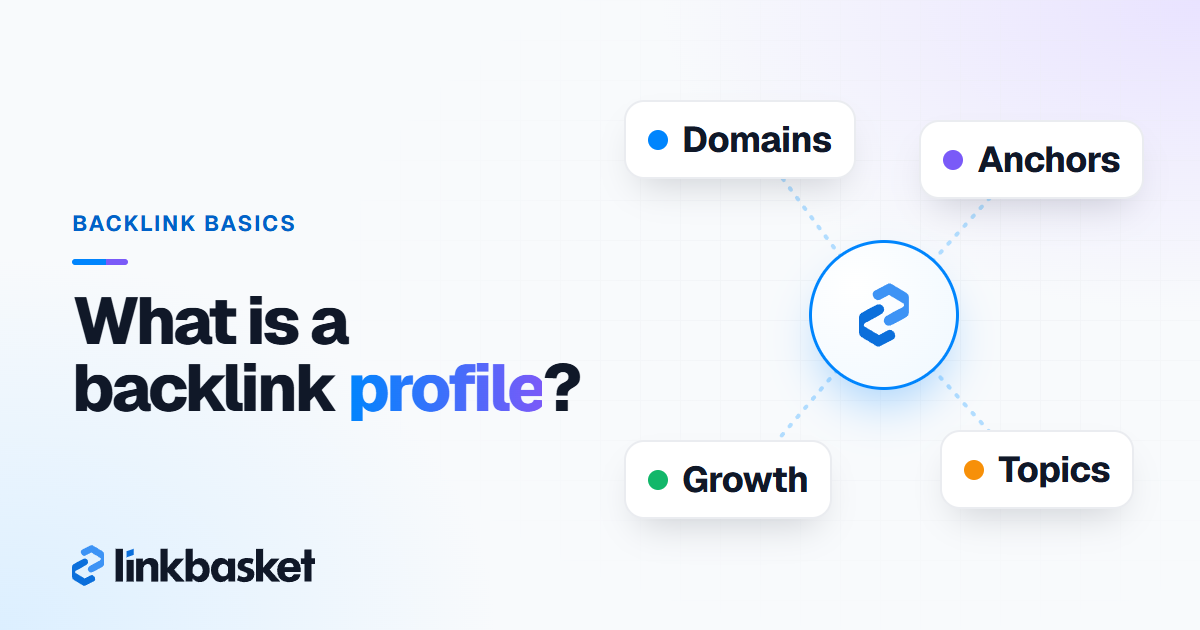
A backlink profile is the full set of links pointing to your website, described by who links, how often, with what anchor text and with which link attributes. So when someone asks what is a backlink profile, the short answer is this: your site's link fingerprint, read as a pattern rather than a count.
Last updated: November 9, 2026
Every tool sees only part of it. Google's own view stays private. Search Console shows what Google found, while Ahrefs, Semrush and Bing each report their own crawl, which is why no two tools ever agree on your totals.
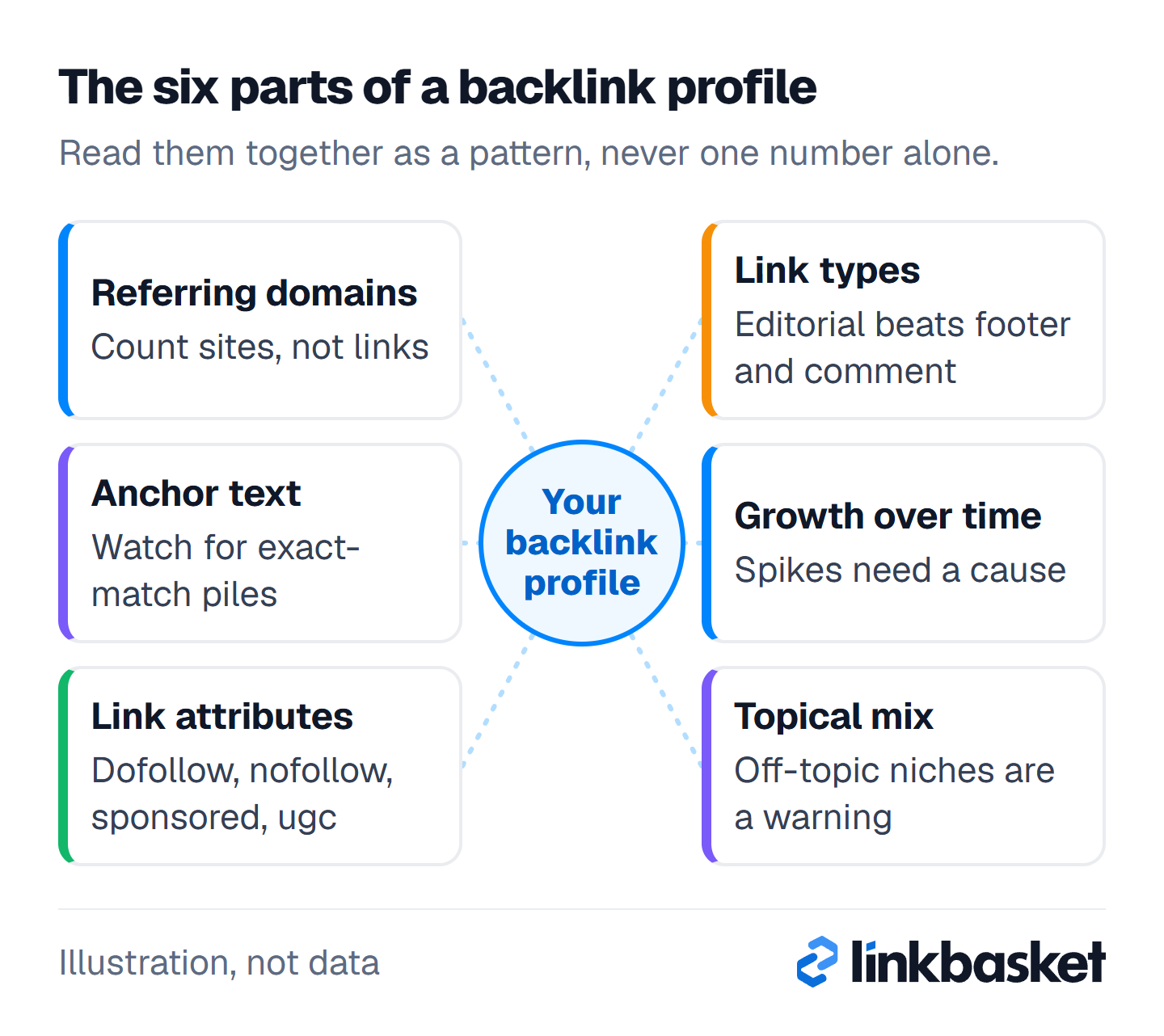
Read the six cards together. One odd number means little. Two or three parts pointing the same way is a pattern.
What is a backlink profile made of?
A backlink profile is made of six parts: referring domains, anchor text, link attributes, link types, growth over time and topical mix. Each answers a different question.
Referring domains
Referring domains are the unique websites linking to you. One site with a footer link on 3,000 pages counts as 3,000 backlinks but just 1 referring domain. Track domains, not raw backlinks. Most people miss this when they compare tools.
Anchor text
Anchor text is the clickable text of a link. Most anchors fall into five groups:
- Brand: "LinkBasket"
- Bare URL: "linkbasket.net"
- Generic: "this guide", "here"
- Partial match: "tips for checking links"
- Exact match: the precise keyword you want to rank for
Google publishes no target ratios. Don't trust anyone who quotes one as a rule. What draws attention is a pile of exact-match anchors that no editor would write naturally.
Link attributes
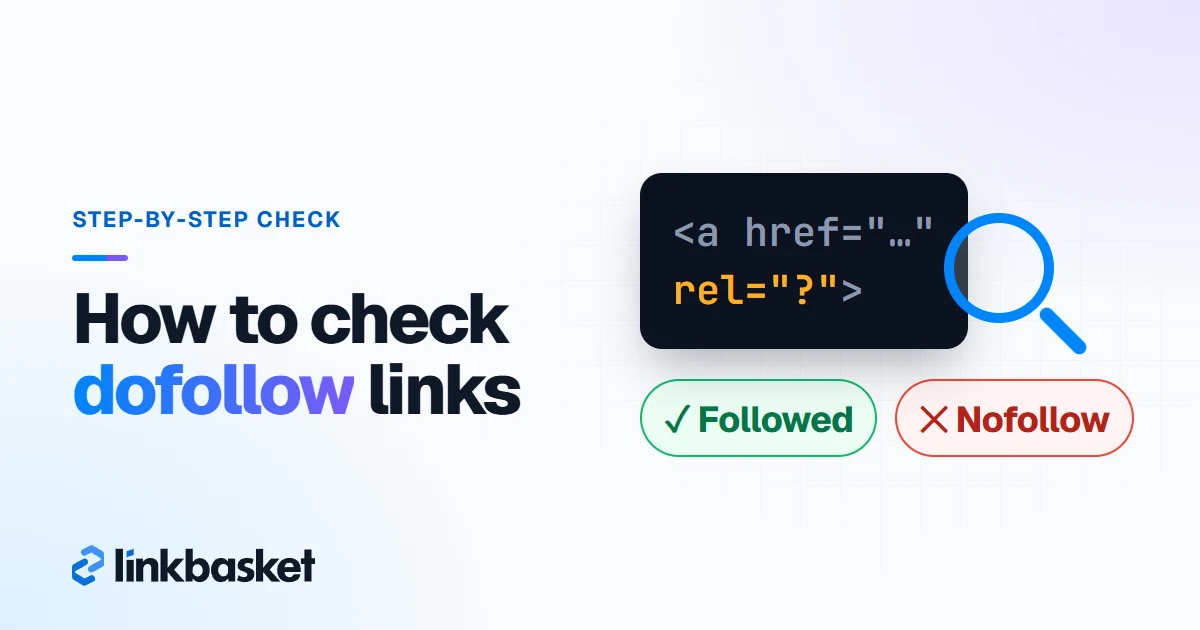
Link attributes tell Google how to treat a link. Google's link best practices list rel="sponsored" for paid links, rel="ugc" for user-generated links and rel="nofollow" for other cases. A link without them is what SEOs call dofollow. A healthy profile has a mix. Real sites use all of them.
Link types
Link types describe where and how the link sits: an editorial mention in body text, a guest post, a link insertion in an older article, a directory or citation, a forum or comment link, a sitewide footer or blogroll link, or an image link. In-body editorial links usually carry the most weight. Footer and comment links carry the least.
Growth over time
Link growth is the monthly change in referring domains. Steady growth that follows your publishing and marketing looks natural. A jump from 5 new domains a month to 400, with no launch or press moment behind it, looks bought.
Topical mix
Topical mix is how closely linking sites match your subject. A pet-food store linked from pet blogs, vets and local news makes sense. The same store linked from 200 casino and crypto blogs? That's a red flag, and when you see it in your own profile you'll usually find a paid package or a link network behind it.
What does a natural backlink profile look like?
A natural backlink profile shows variety in every part: many referring domains, mostly brand and URL anchors, a mix of link attributes, links pointing at many pages, and growth that tracks real events. No single pattern dominates.
| Part | Natural signs | Warning signs |
|---|---|---|
| Referring domains | Grows with content and press | Many domains, little real traffic |
| Anchor text | Brand, URL and generic lead | Exact-match keyword anchors dominate |
| Link attributes | Dofollow plus nofollow, ugc, sponsored | 100% dofollow from paid sources |
| Link types | Editorial mentions, varied pages | Footer, comment or directory links dominate |
| Target pages | Home plus many deep pages | One money page gets most links |
| Growth | Matches launches, PR, publishing | Sudden spike with no cause |
| Topical mix | Same or adjacent topics | Unrelated niches, foreign spam pages |
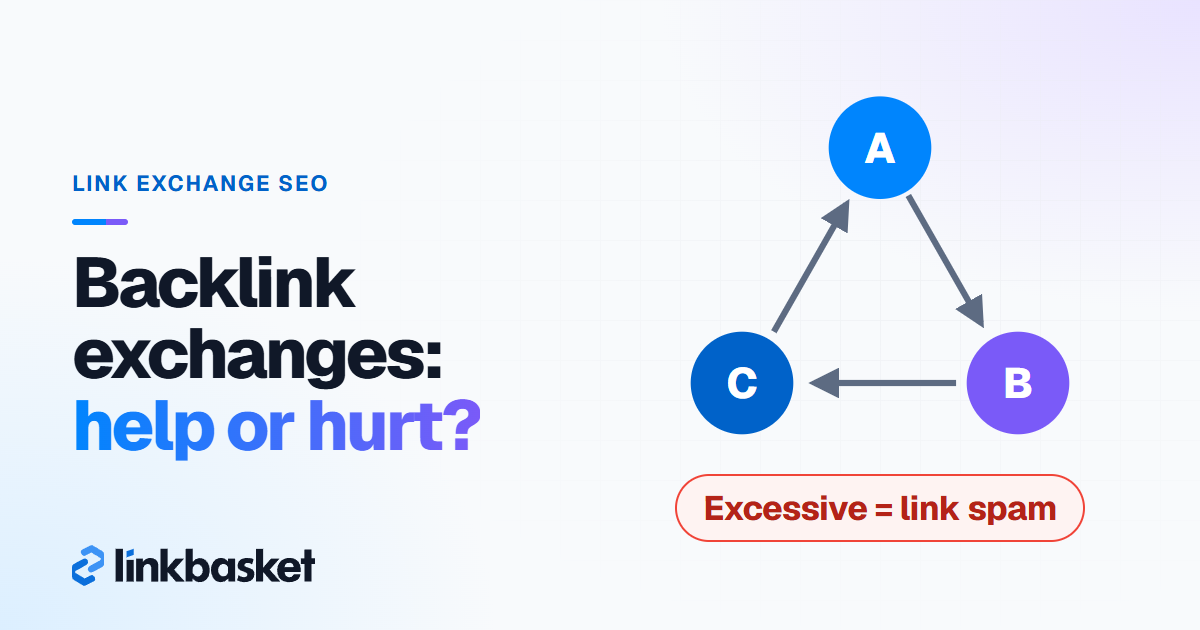
None of these warning signs proves a penalty. Google says in its spam policies that link spam means links created mainly to manipulate rankings, including "buying or selling links for ranking purposes". The warning signs are what that looks like from outside.
How do you check your backlink profile in 30 minutes?
You can audit a backlink profile in 30 minutes with two free tools: Google Search Console and Ahrefs Free. Six five-minute blocks. Three written actions.
- Minutes 0 to 5: export. In Search Console, open Links and export the external links. As of November 2026, the Links report caps on-screen tables at 1,000 rows, so use the export.
- Minutes 5 to 10: count referring domains. Note the total, then open Ahrefs Free and check the referring domains trend over the last 12 months. Flat, rising or falling?
- Minutes 10 to 15: read the anchors. Sort Search Console's Top linking text. Count how many of the top 20 anchors are your brand or URL versus exact keywords.
- Minutes 15 to 20: check attributes and types. In Ahrefs Free, filter dofollow vs nofollow. Open 5 of your top links. Are they in body text, a footer, or a comment?
- Minutes 20 to 25: scan topics and language. Skim the top 50 linking sites. Mark any that are off-topic, in a language you don't serve, or obviously built to sell links.
- Minutes 25 to 30: compare and act. Check one competitor's referring domains in Ahrefs' free checker, then write three actions in a doc.
Don't try to audit every link. In practice, on a small site the top 50 domains tell you most of what matters. When you want a deeper tool walkthrough, with the export steps, row limits and the reasons different tools never agree on totals, read our guide on how to check backlinks.
Worked example: reading one profile
Every number here is hypothetical. Say you run a small accounting-software blog with 180 referring domains.
- Growth: 6 to 10 new domains a month for a year, then 120 in March after a paid package. That spike is the first thing to look at.
- Anchors: 9 of the top 20 anchors are "accounting software for freelancers", the exact keyword. Brand anchors make up only 4.
- Topics: 70 of the 120 March domains are general "news" blogs covering everything from casinos to diets.
- Attributes: all 120 are dofollow, and none carry a sponsored tag.
Verdict: the first 60 domains look natural. March doesn't. The fix isn't a mass disavow. Stop buying from that source, build relevant links to dilute the anchor mix, and watch Search Console for a manual action.
Which backlink profile signs should you act on?
Act on patterns you caused and can change. Ignore random spam you didn't build. Google mostly ignores it too.
| What you find | Who caused it | What to do |
|---|---|---|
| Random spam links from scraper sites | Nobody you know | Ignore it |
| Exact-match anchors from links you bought | You or an agency | Stop that source, diversify anchors |
| A spike from a link network | You or an agency | Ask for removal, then consider a disavow |
| Manual action in Search Console | Any | Remove links, disavow the rest, request review |
| Lost links from good sites | Site changes | Ask the publisher to restore or update |
| Links pointing to 404 pages | Your site changes | Redirect each URL to the closest live page |
Google's December 2022 link spam update said SpamBrain works "to neutralize the impact of unnatural links". So a third-party "toxic" score alone is no reason to disavow. Don't panic over it. Our guide on how to disavow backlinks walks through when a disavow file is the right call.
Which link profile tool should you use?
Use Google Search Console first, because it's free and built on Google's own crawl. Then add one third-party tool for metrics like Domain Rating and for competitor data, which Search Console never shows.
- 1,000 rows on screen in Search Console tables
- 100,000 rows per Search Console export
- 1,000 backlinks shown at once in Ahrefs Free
Here's how the main options compare as of November 2026:
- Google Search Console: free for sites you own. Tables show 1,000 rows on screen and each export reaches 100,000 rows.
- Ahrefs Free: free after you verify the site. It shows up to 1,000 backlinks at once, with DR for each linking site.
- Bing Webmaster Tools: free. It reports a sample from Bing's own crawler and also covers other sites.
- Ahrefs Lite at $129/mo or the Semrush SEO plan at $139/mo (billed monthly): full competitor profiles, history and alerts.
When you're on a budget, the trick is to stay on the free pair and pay for a suite only for a one-off competitor audit. One month is usually enough. Our roundup of the best link building tools compares the paid suites job by job.
How do you improve a weak backlink profile?
Improve a weak backlink profile by adding relevant referring domains from editorial sites, not by deleting links. More good links beat fewer bad ones.
- Create one asset worth citing, such as original data, a free tool or a detailed guide.
- Run a backlink gap check against 3 or 4 competitors. Our backlink gap analysis guide shows the steps.
- Reclaim lost links and fix links to dead pages.
- Earn brand mentions from podcasts, interviews and local press, which add brand anchors naturally.
- If you buy placements, choose relevant publishers with real readers, and vary the anchors.
LinkBasket is our marketplace. LinkBasket checks each ordered link weekly for 12 months. For bulk orders, LinkBasket can build the site list with you; the help centre explains how to get in touch.
Which edge cases distort a backlink profile?
Four cases distort it.
- Sitewide links: one partner's footer can add thousands of backlinks from 1 domain. Judge it as one link.
- Migrations: after a move to a new domain, links to the old domain only count if your 301 redirects work.
- Scraper copies: auto-generated copies of your posts often keep your internal links, so you see hundreds of junk domains you never built.
- Tool gaps: Search Console keeps links Google found in the past, so some listed pages may no longer link to you.
When should you get expert help with your backlink profile?
Get expert help when Search Console shows a manual action for unnatural links, or when traffic drops sharply right after a known link-buying spree. Both need a specialist in link audits and reconsideration requests.
Don't hire anyone just because a tool shows a high toxic score. That's a tool's guess, not Google's verdict. And if you've never bought links or used an agency that did, you probably don't need an audit specialist at all.
When you're unsure, run this check before you hire anyone:
- Open the Manual Actions report in Search Console
- List any links you, an agency or a past owner paid for
- Compare traffic drops with the dates of those link buys
- Write down your three actions from the 30-minute audit
FAQ
What is a good backlink profile?
A good backlink profile has many relevant referring domains, mostly brand and URL anchors, a mix of dofollow and nofollow links, and steady growth. No single number defines it. Relevance beats totals.
How many backlinks should a site have?
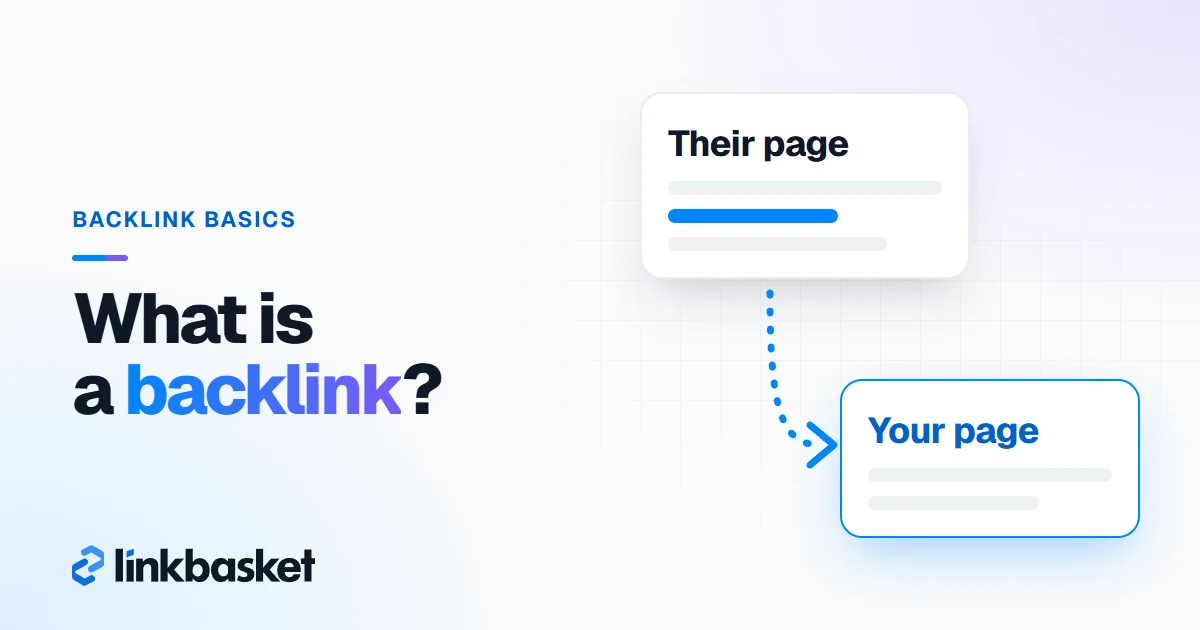
There's no fixed number. Compare your referring domains with the pages ranking for your target keyword, since that gap is what matters. Our guide on how many backlinks you need to rank covers the method.
What is the best link profile tool?
Start with Google Search Console, since it's free and uses Google's crawl. Add Ahrefs Free for a second view with Domain Rating. Paid suites such as Ahrefs and Semrush add competitor data and history.
Can a bad backlink profile hurt my site?
It can if Google sees a pattern of links built to manipulate rankings, which can lead to a manual action. Random spam you didn't build usually gets ignored. Worried? Check the Manual Actions report in Search Console.
Next step
Run the 30-minute audit this week and write down your three actions. If the profile needs more relevant domains, browse the LinkBasket inventory with filters for niche, DR and traffic. For a refresher on the basics, read what a backlink is.